Top Ways To Secure Yor WordPress Website

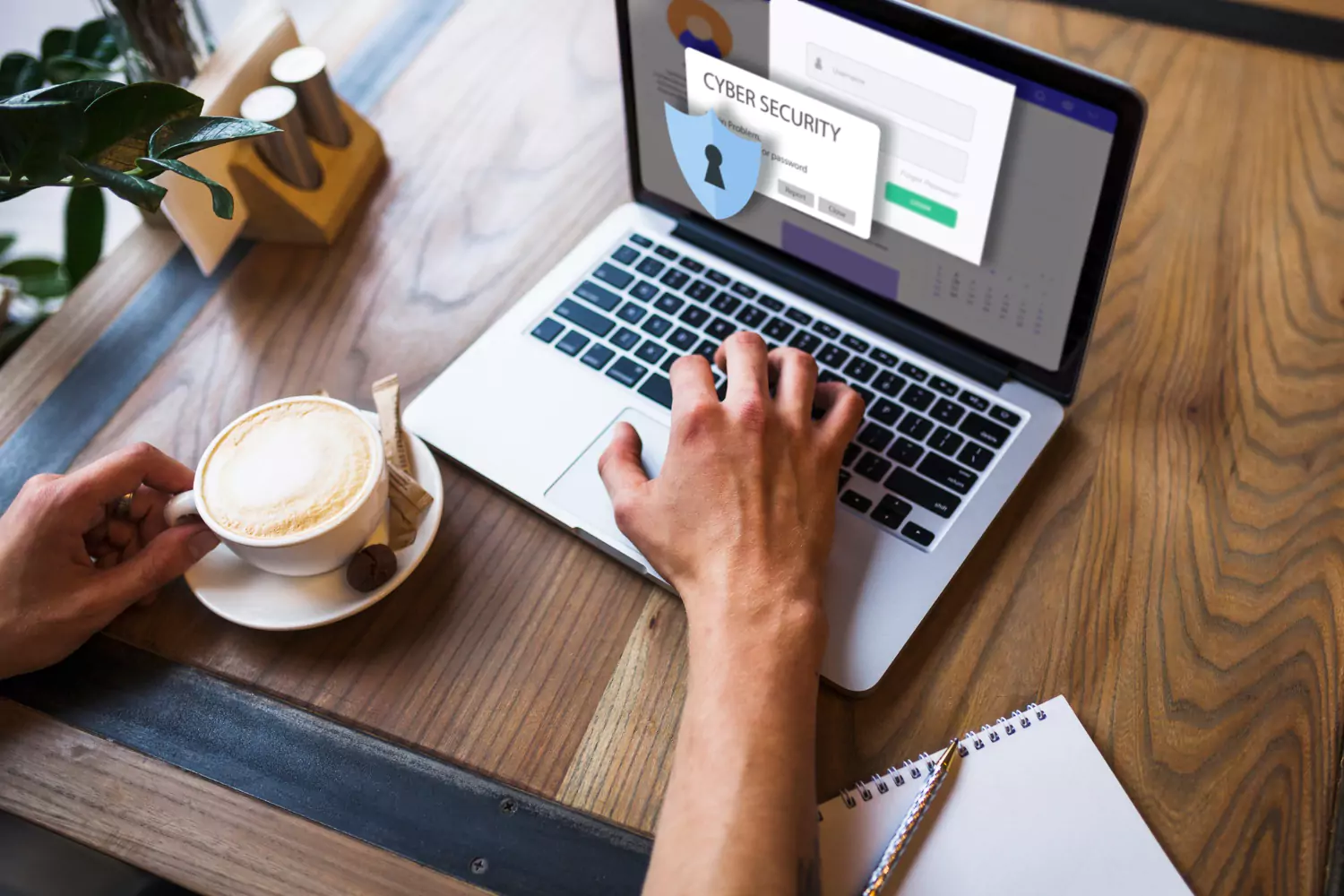
In the digital world of today, when cyber threats are becoming more complex and prevalent, building a WordPress website is very critical. One of the most often used content management systems, WordPress security, is a regular target for hackers trying to take advantage of weaknesses.
Various website security measures can help protect WordPress websites from severe attacks, including unauthorized website access, data breaches, phishing, and others. However, if you implement security measures for WordPress websites, you can protect both your users and your data’s security.
In this article, we will discuss the top 15 techniques for securing your WordPress website and present some useful advice and recommendations for strengthening your digital presence against weaknesses.
How Do You Make A Website Secure?
While you are in the process of securing your WordPress website, there is a list of things you can implement to further increase the protection of your website.
This article has compiled some of the most important yet unpopular ways to increase your website’s protection.
Implement SSL Certificates
To secure a website and increase its protection, you should start using a secure sockets layer (SSL). It is a standard, commonly found technology that encrypts the communication and connection between a client and a host. A host is a web server, and a client is the browser the user uses in computer language. This method of protection ensures that the data and information exchanged between the host and the client remain between them. If someone else tries to review the information through some other method, it only gets random numbers and alphabets in return instead of the actual data.
Secure sockets layer SSL certificates are now becoming industry standard and are being used in hundreds of thousands of websites to protect the information and data shared between the host and the client, including online transactions, credit card details, banking account information, etc. Having a secure sockets layer SSL in your website should be your first step and your first priority when it comes to securing your website. This not only protects your data but also provides you with a sense of peace and security, knowing that your website is well-protected.
Require And Use Strong Passwords
While creating a website, always make sure to use a strong password with letters and symbols in it, which are not typically used by people and are hard to predict. Even though you are being convinced by your own mind about using the same password for all your accounts and website, don’t listen to it and create new passwords for all of them and write them in Notebook so that if you forget your password, you have a written backup which will more likely not be stolen cause during a robbery the thief or thieves will probably try to look for valuable items such as mobile phones and laptops and if stolen you can lose all of your passwords. In contrast, the Robbers have full access to all your accounts and websites. This practice empowers you to take control of your website’s security and protect it from potential threats.
Always remember it’s better to be safe than sorry. Losing all your websites and accounts could cause a lot of grief and can put you in severe depression and stress. Therefore, if you want to secure your WordPress website, it is critical to keep your passwords stored in a notebook. Also, make sure not to give your credential details and website access to your friends, parents or any relatives. And doing so can also prevent you from getting cyberattacked in the future.
Install Security Plugins
WordPress offers several plugins that can implement advanced, useful features in your website while increasing its security. These plugins are mostly free to download and should be used by every individual who owns and runs a website. By installing a security plugin, you can ensure that your website has some extra layers of protection that are probably not being used by many other websites. These plugins can help with tasks like malware scanning, firewall protection, and login security, making them a crucial part of your website’s security strategy.
Here in this list below are some of the plugins you should start with:
- Malcare WordPress security
- Wordfence security – firewall and malware scan
- Solid security
- All-in-one WP security and firewall
Pay Attention To Themes And Plugins
Always make sure to check your WordPress website for any weekly or regular updates if you are able to. Just checking your website for any updates only takes about 5 to 20 seconds and can ensure that your website is performing at its peak speed. Make sure to check for updates even if you have turned on the auto-update feature, as it can glitch sometimes and doesn’t automatically update your website. If you find an update that isn’t installed on your website, then quickly install it and make sure to check the plugins and themes in your website immediately afterward because WordPress is unable to protect them during core updates.
Always make sure that the theme or plugin you are about to install is developed by an entrusted and respectable developer instead of someone random to ensure that no malware or other harmful virus infects your system. If so, then the scammer or hacker can have access to your website, online banking account, etc, and other sensitive information. And if you come across a website with free downloadable themes and plugins but is not created by a known, trusted, respectable, and reputable developer, then it’s safer to not download it and just to let it be.
Frequently Run Website Backups
Another way to protect your WordPress website is to frequently create a backup, especially if you have recently made an update or edit to the website or updated the website’s themes and plugins in general. This is one of the most commonly used and respected methods for protecting your website. Having your website deleted because of some glitch in the system and not having a backup for it is the worst nightmare of any website developer who pursues their occupation as their dream job. Regular backups provide you with a sense of relief, knowing that your hard work is always safe and recoverable.
Never Use The Admin Username
Even though you might feel good using an admin username on your website, stop using that username, as it is not worth that satisfaction. While using an admin username, you will more likely be targeted by brute force attacks and social engineering scams. The reason why using an admin username is not worth it is the fact that you might get caught up in the scam and end up losing your website and everything you have worked hard for. Because this username is super common, scammers use similar usernames and trick people into giving them their personal and sensitive information, which can also get your website deleted and blacklisted if it happens too much through your website.